 COME
COMEDetails to keep private in a COME support conversation
A useful support conversation can explain the problem without passwords, OTPs, payment PINs or banking logins. Keep those secrets out of messages and screenshots.
Share task facts
Describe the action, exact message, approximate time and relevant device details. For a file issue, include the source and transfer state. For an account issue, use the authenticated service's normal fields and provide only what is needed.
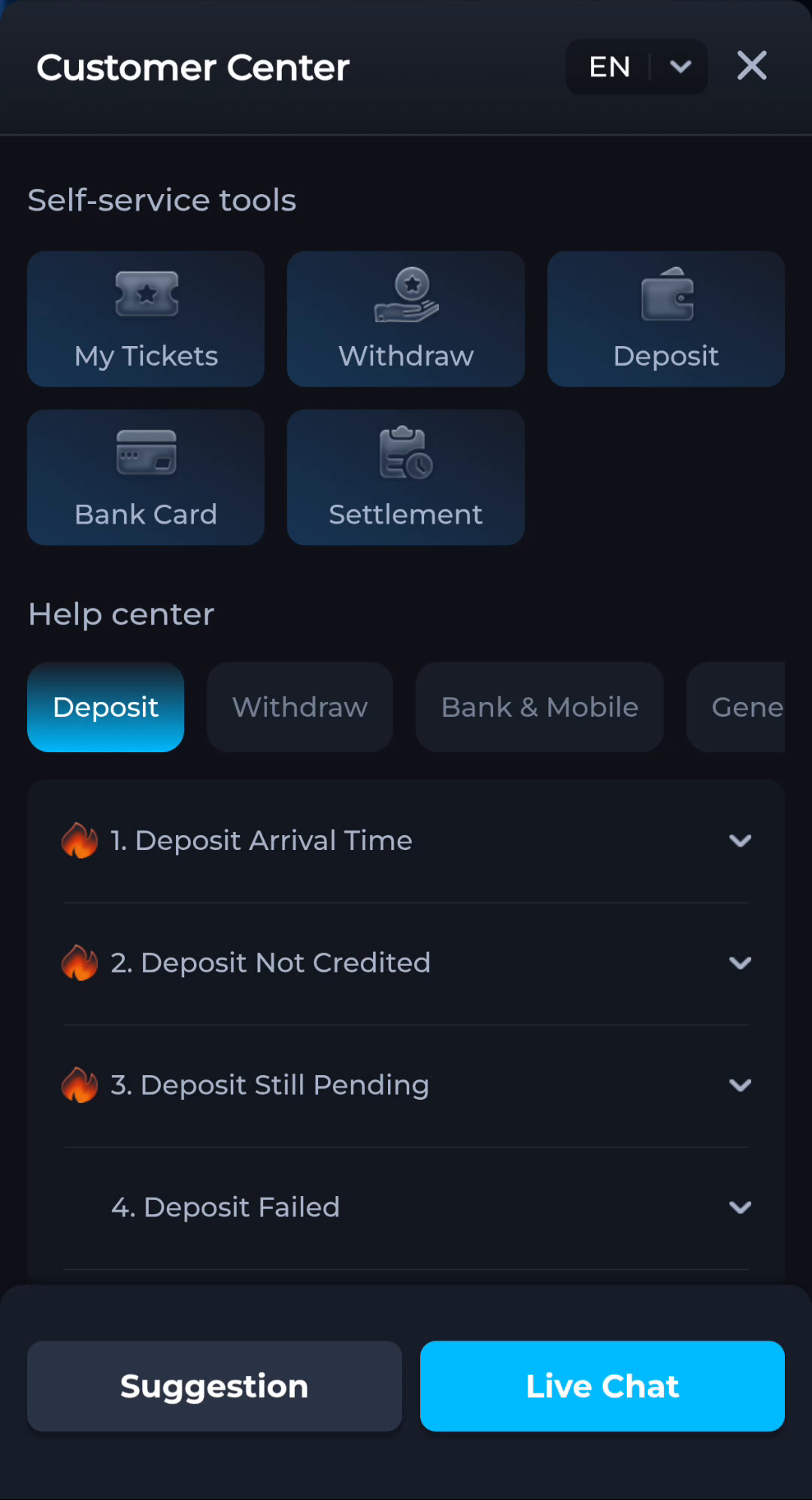
Review attachments
Check notification banners, account balances and unrelated personal data before sending an image. Hide sensitive content while preserving the error. Do not send an entire account history when a single message explains the symptom.
Verify the route
Use the help interface displayed by the service. A person contacting you unexpectedly is not authenticated by knowing your app name or problem. Decline requests for secrets or remote access that you do not understand.
A useful next step
Continue with a focused description through the recognised current help route.